 Notch
Notch- Difficulty
- Intermediate
- Time
- 4.8–9 hours
- Cost
- $$
About this build
This sturdy side table with a built in wireless charger is the perfect addition to your living area. The rounded edges give this table a modern look. The best part is: You can customize it to fit your needs!
Tools
Essential
- Drill / Driver
- Jigsaw
- Miter Saw
- Pocket Hole Jig
- Random Orbit Sander
- Router
Optional / nice to have
- Bar / Pipe Clamps
Materials
| Item | Qty |
|---|---|
| Boards, 3/4” x 1' x 6' | 4 board |
| Box of 1 1/4" Kreg Pocket Hole Screws (see tools list) | 1 each |
| 80, 120, 220 grit sandpaper | 1 each |
| Wood glue | 1 each |
| Stain | 1 each |
| Wireless charger | 1 each |
| Double sided tale | 1 each |
Overall cost: $$. Lumber prices vary by region, species, and season, so we give a band rather than a figure we would only be pretending to know.
Cut list
| Part | Qty | T × W × L |
|---|---|---|
| Top | 1 | 3" × 10" × 24" |
| Legs | 2 | 3" × 7" × 21" |
| Top Support | 1 | 1 1/2" × 3" × 15" |
| Center Support | 1 | 3" × 3" × 15" |
What to buy
Buy 4 boards at 8 ft.
3" × 10"
1 board
3" × 7"
1 board
3" × 3"
1 board
1 1/2" × 3"
1 board
Assumes 8 ft stock, a 1/8" saw kerf, and buying each part at its own width. Change the board size or kerf on the full board plan →
Instructions
1Step One
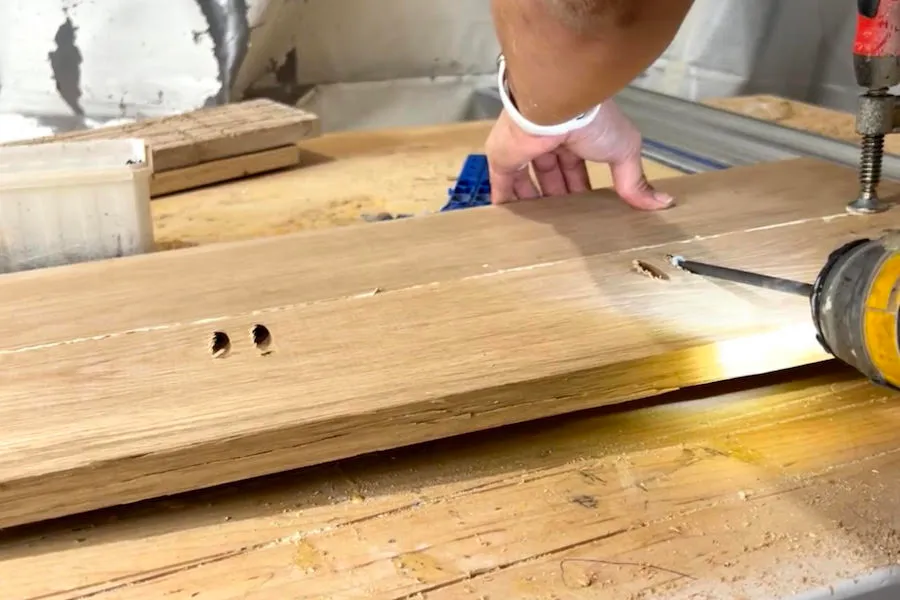
- Cut the top boards about 2” longer than you need.
- Set your Pocket hole jig to 3/4” and the stop collar on the drill bit to 3/4”.
- Drill pocket holes on the backside of the boards, then glue and join them together using 1 1/4” pocket hole screws.
2Step Two
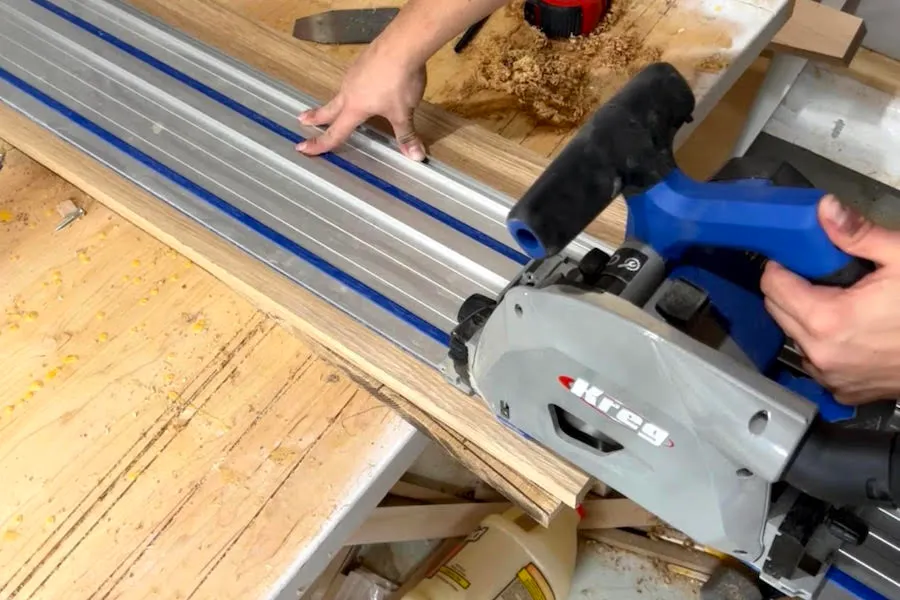
Cut the top to size with the Kreg Jig Track saw.
3Step Three
Cut the legs about 2” longer than you need. Pocket hole and glue them together like you did the top.
4Step Four
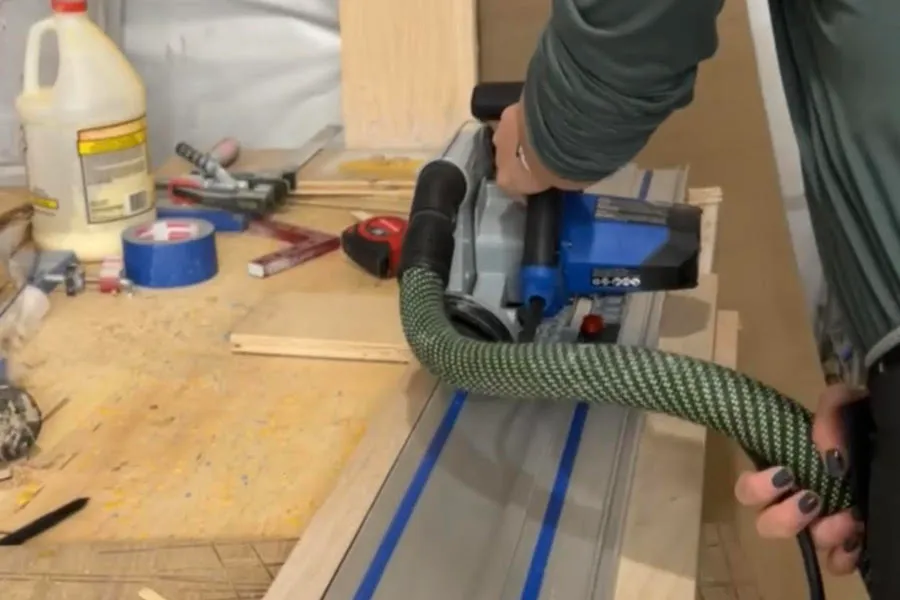
Cut the legs to size with the Kreg Jig Track saw.
5Step Five
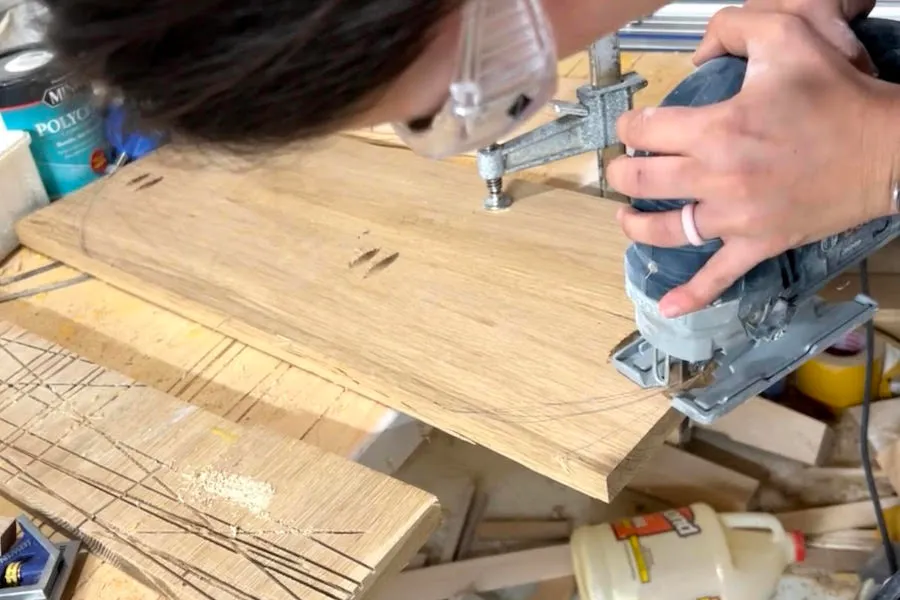
Using a template such as a bowl or a cup, trace it on both sides of the top. This will be the template for your oval shape. Cut out the shape with a jigsaw.
6Step Six
Repeat this same process on the legs.
7Step Seven
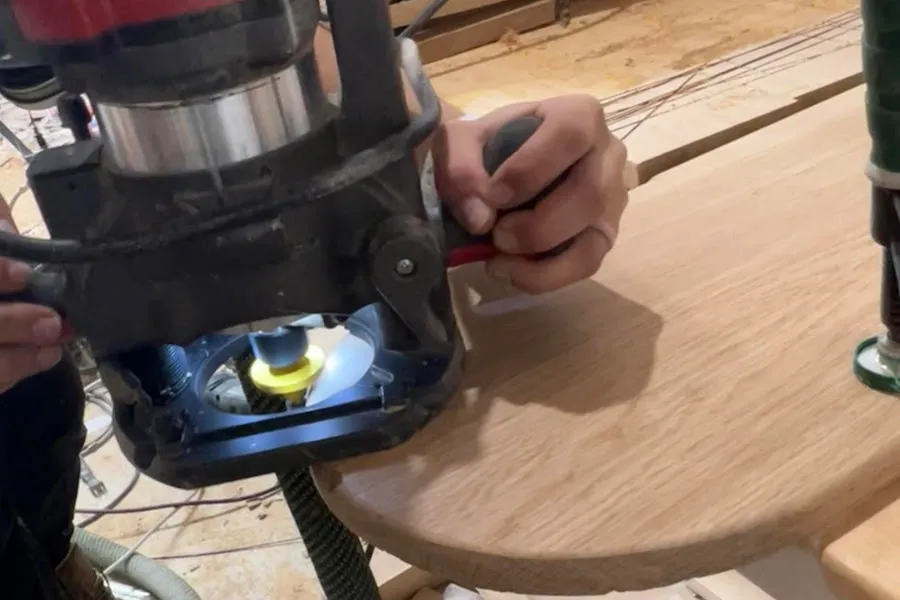
Optional step: Use 1/4” roundover bit to roundover all sides of the top and legs.
8Step Eight
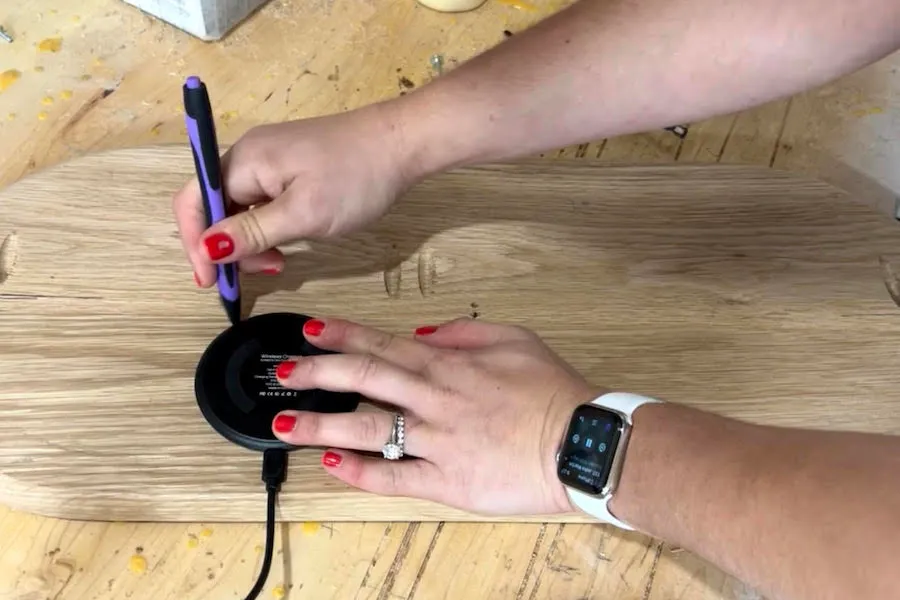
- Trace the shape of the wireless charger on the underside of the table top.
- Mark 1/2” depth on the forstner bit using tape.
- Drill in the center until you reach the tape.
9Step Nine
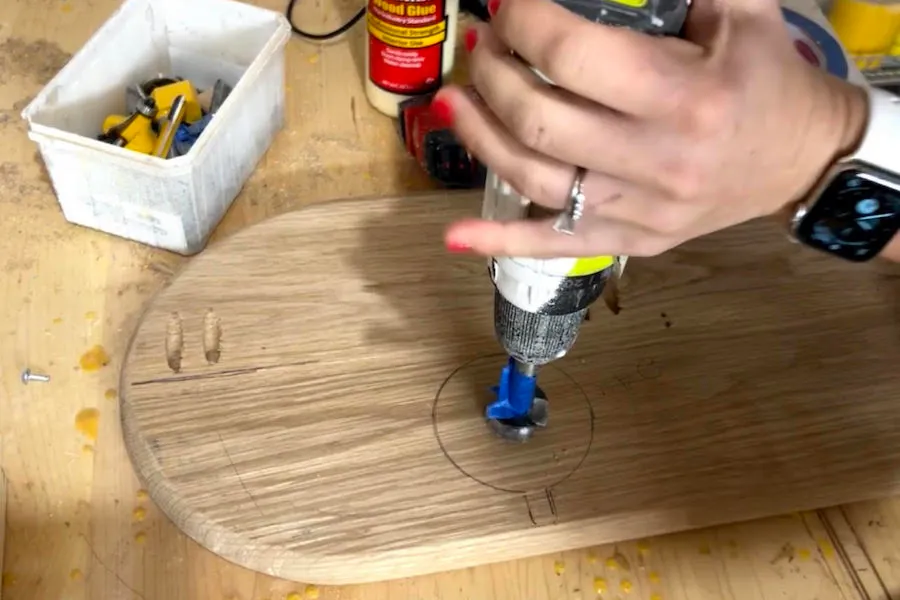
With your router and upcut spiral bit, make shallow passes until you reach the same depth as the bottom of the hole you made with the forstner bit.
10step Ten
Using double sided tape, push your wireless charger into the hole you made. Make sure to test to see if your phone charges.
11Step Eleven
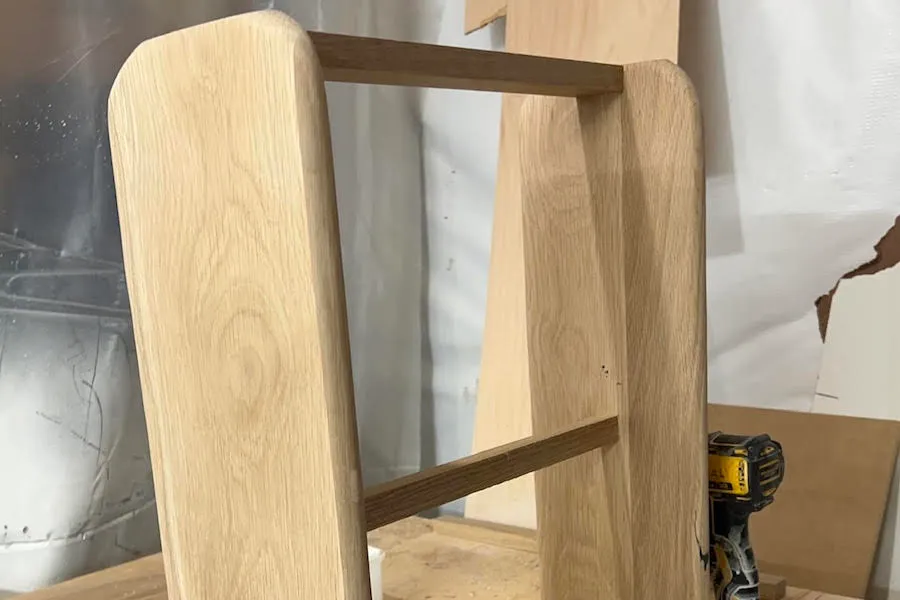
Attach the top support between the two oval shapes you made for the legs using pocket holes and screws.
12Step Twelve
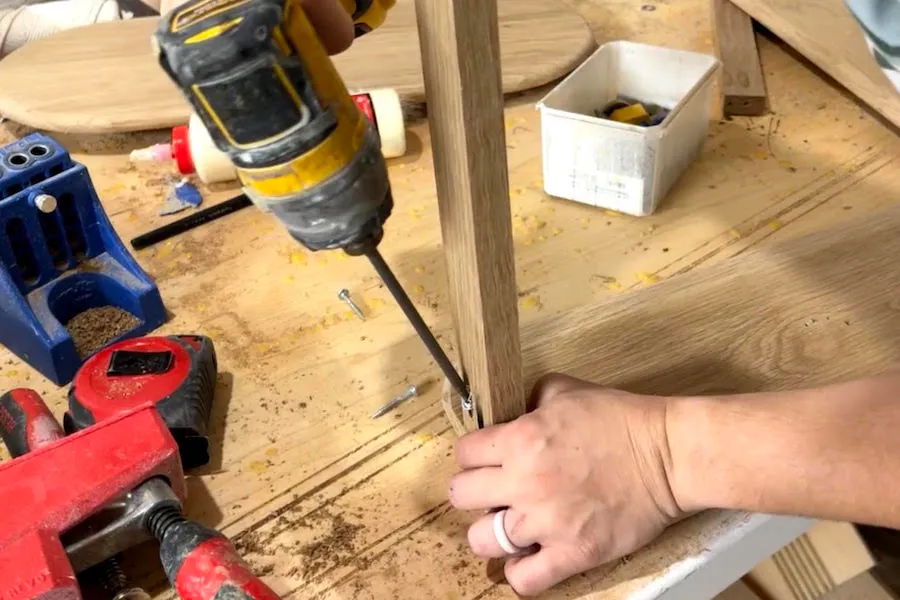
Attach the middle support about 10” up from the bottom of the legs using pocket holes and screws.
13Step Thirteen
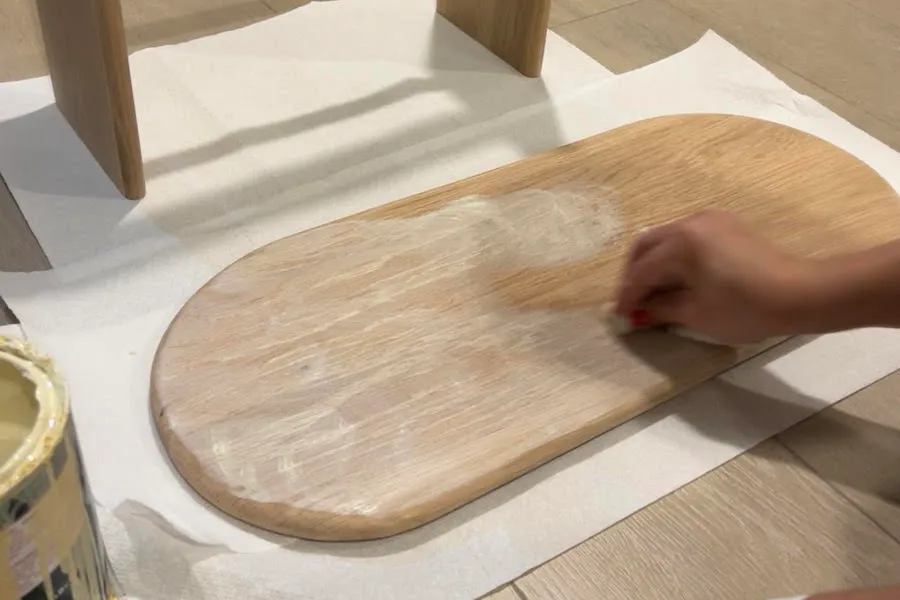
Sand, stain and you have a brand new table!
Tags
- Tables
- Intermediate
Reviews & builds
No reviews yet
Sign in to review this plan or share your build.
No reviews yet. Be the first to build this.